


Use Diplop AI to Extract and Classify Your Data. All-In-One Communication Platform Local Record, Phone, Video Call, and Seamless Speech-to-Text Transcription.


Ideamap is an AI-first brainstorming and mind‑mapping workspace that helps teams generate, organize, and prioritize ideas visually, enabling them to move from messy thoughts to clear plans faster. It is built for workshops, product ideation, marketing campaigns, strategy planning, and any session where sticky‑note chaos needs organized outcomes.
Ideamap uses a tiered SaaS model so individuals and large organizations can pick the level of AI and collaboration they need.
Ideamap is used for AI‑assisted brainstorming, mind‑mapping, and idea organization so teams can turn scattered thoughts into structured clusters, priorities, and next steps.
AI generates new ideas around your topic, groups related notes into themes, detects duplicates, summarizes clusters, and suggests next actions or visualizations.
Yes. Multiple users can work on the same canvas simultaneously, with presence indicators, comments, and shared rooms for workshops and remote sessions.
Ideamap integrates with platforms like Microsoft Teams, Slack, and cloud drives so you can link brainstorming outputs with existing workflows.
Yes. Ideamap offers a free plan with limited AI and room capacity, which is enough for individuals and small teams to test core features.
Ideamap suits startups, product teams, educators, agencies, and facilitators who run frequent workshops and want AI support for creative thinking and decision‑making.
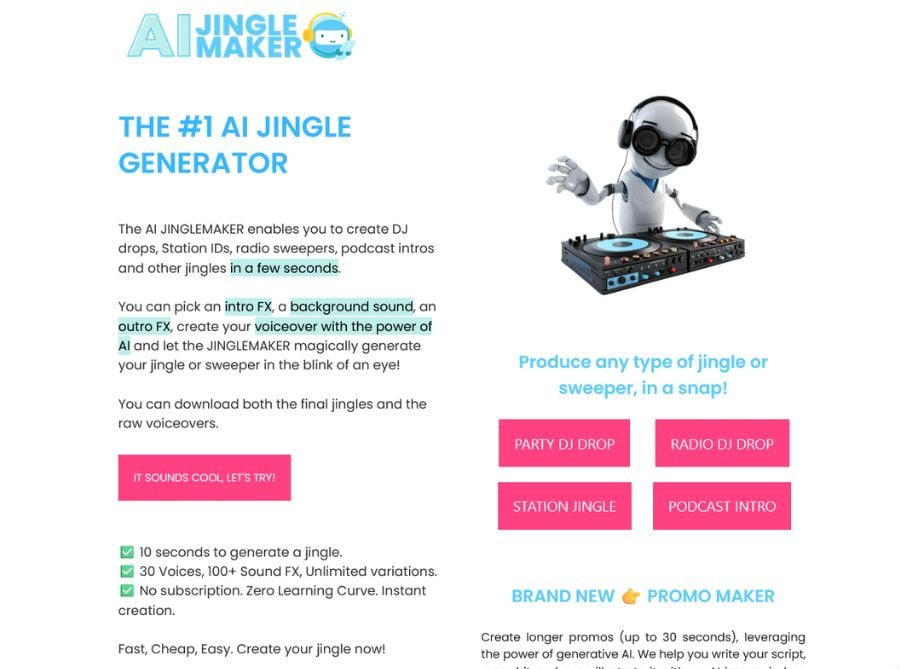
AI Jingle Creation tool claims it only takes 10 seconds to create a jingle, 30 AI voices, more than a hundred sound FX, and unlimited variation. This jingle generator is free, but custom AI voice generation costs money.
The pricing for the AI Jingle Maker starts at $20 for 20 credits, following a pay-as-you-go policy with no subscriptions.
Fast, Cheap, Easy. Create your jingle now!
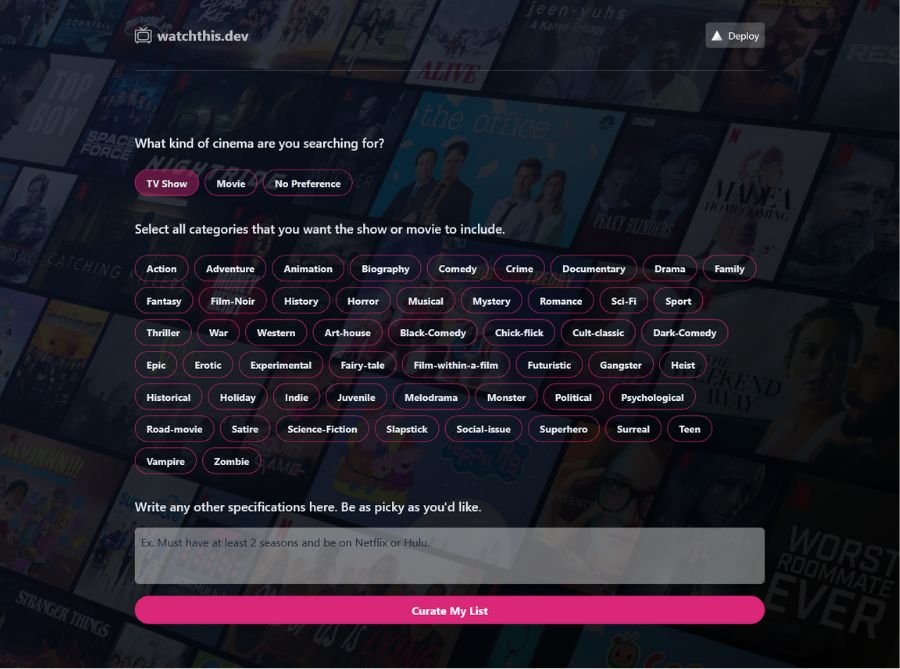
WatchThis Dev tool powered by OpenAI and Vercel Edge Functions provides users with curated show or movie recommendations. You can select the type of cinema (TV Show, Movie, or No Preference), as well as select from a list of categories (Action, Adventure, Mystery Animation, etc.) and include other specifications like “Must have at 2 seasons and be on Netflix or Hulu”. After selecting their preferences, the tool will generate a list of curated shows and movie recommendations.

Interior AI is an AI image generator tool that allow you to upload an image of your home or someone’s home and create a new look interior based on one of 17 preselected interior styles. It is part of the growing AI image generator ecosystem and could be used for interior design ideation or virtual real estate staging. Start Designing your interior with the first AI Interior Designer.
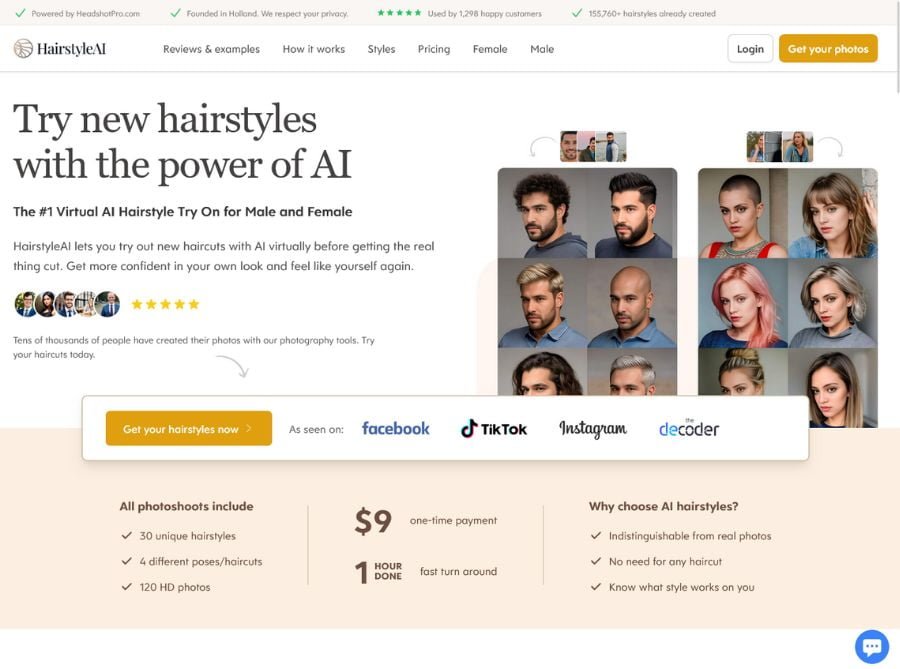
Hairstyle AI lets you create new haircuts with AI virtually before getting the real thing cut. HairstyleAI state-of-the-art AI photographer will generate over 150+ photos of you with 30 different hairstyles. The AI will use advanced algorithms to optimize each photo for lighting, focus, and color, resulting in stunning, professional photos.
Upload your selfies to the Hairstyle AI platform. Take selfies against a plain background, with good lighting and a natural smile.
155,760 AI hairstyles have already been created for 1,298 happy customers! Get more confident in your look and feel like yourself again.
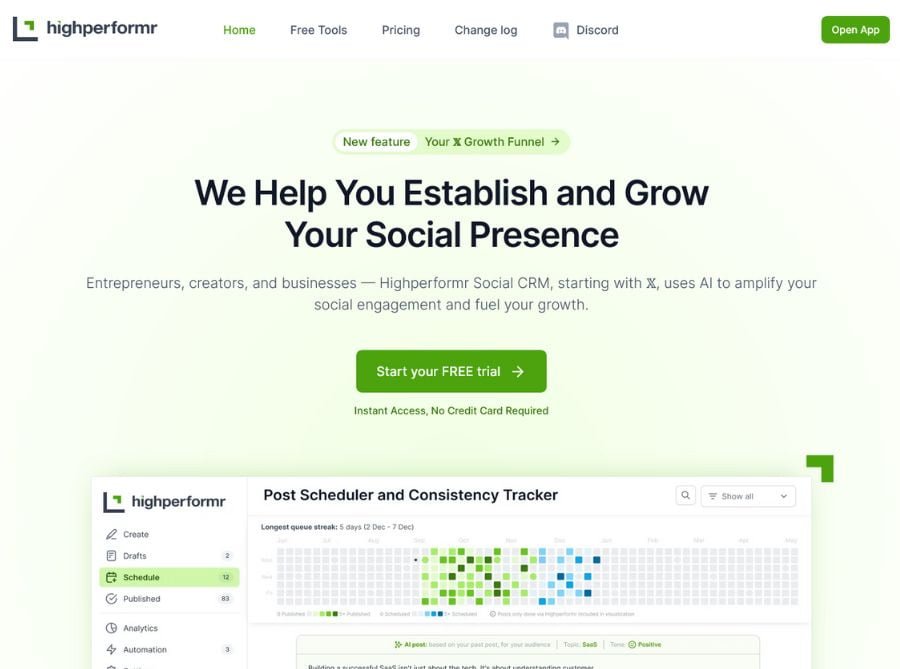

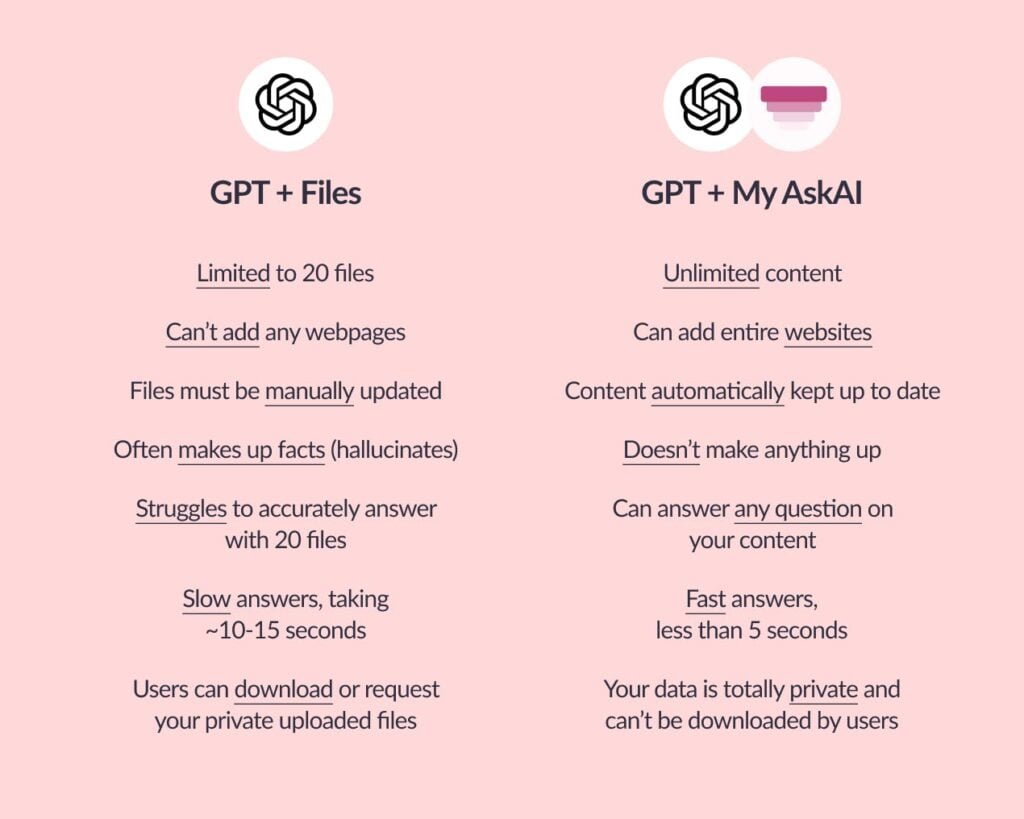
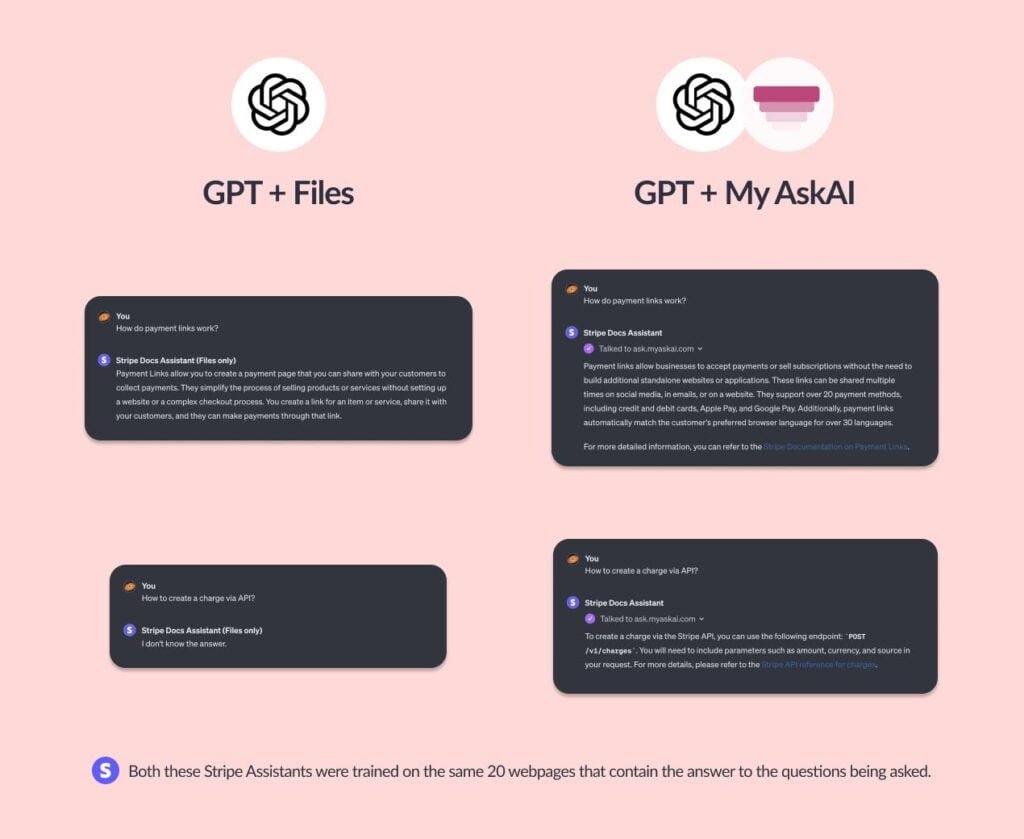
Launch My AskAI GPT on the new GPT Store by OpenAI. Give your audience, customers or team fast, accurate answers and advice.
Lightning-Fast Setup: Add all your relevant docs, webpages, content or data in a few minutes to train your AI assistant (incl. Google Drive or Notion).
Without My AskAI, you can only upload 20 files to your GPT, and you can’t add webpages or services like Google Drive.
Also, you can connect your AskAI to your GPT in under 5 minutes. Giving your GPT superpowers.
With My AskAI, you can add your AI Assistant to your website, Slack, or other integrations.
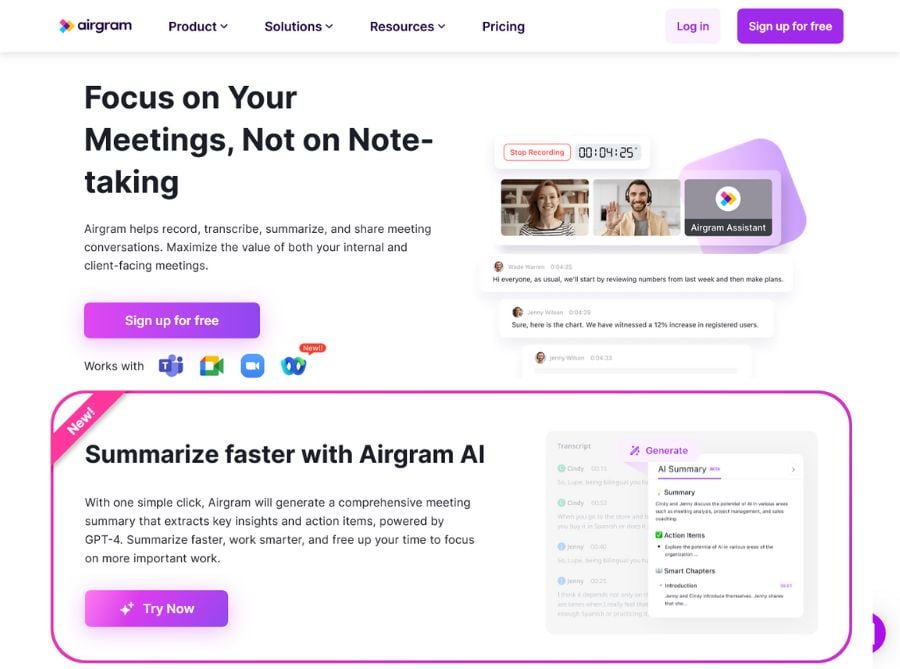
Airgram is the best AI meeting assistant and transcription tool for Zoom, Google Meet, Microsoft Teams, and in-person meetings. Edit, highlight, and export your transcript easily with an 80%-95% accuracy rate. Airgram automatically transcribes speech into text that is searchable, editable, and exportable to platforms like Notion and Slack. You can focus on the conversations instead of trying to scribble down notes.

Use aiPDF to summarise From financial reports to academic essays, messy docs to MASSIVE ebooks. Start Asking questions, extract information, and summarize everything with our advanced and friendly AI. You can also use a URL to chat with any website.

© 2026 All Right Reserved Ai Tools Directory | Submit Ai Tool | About Us | Contact Us