AIWiseMind AI Affiliate Marketing Tool allows you to create, schedule, and auto-post long-form, AI-generated content directly to your Wordpress website using advanced prompting. It can extract the data from either a website (website URL) that you add, directly from Amazon products, or even Youtube videos that are ranking on Google.

Author
raceofkimmera
Singify Free Song Cover Generator
written by raceofkimmera
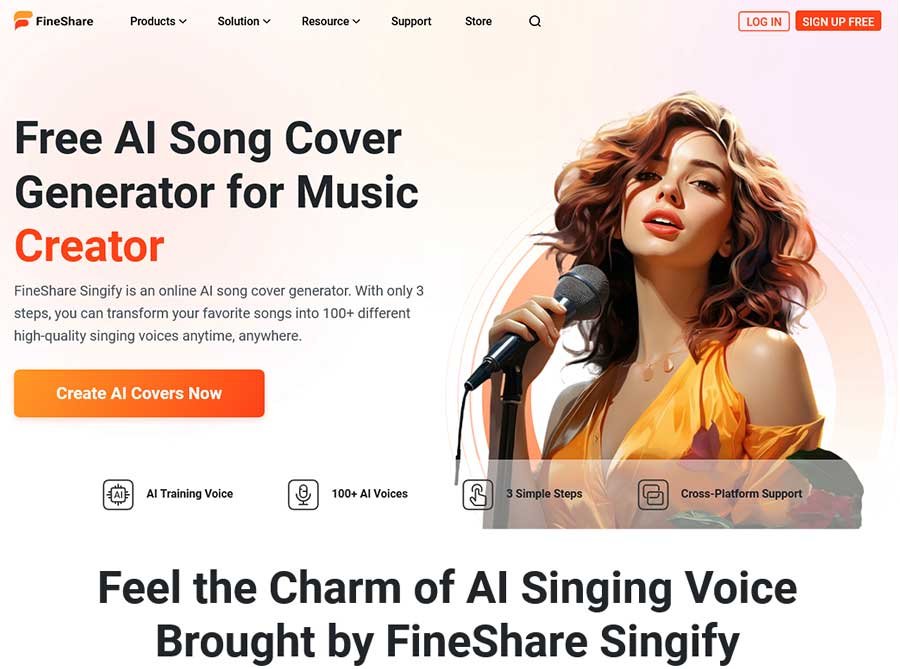
FineShare Singify is a free online AI Song Cover Generator. It helps you to create song covers in a new way with perfect audio quality and professional audio standards. Whether you want to make audio for creation, entertainment, imitation, or nostalgia, FineShare Singify always has a way to express yourself creatively through music.
This online song cover tool has 3 ways to make song covers online: search for the vocals or upload audio files directly and record. There’s no skill threshold, and you don’t even have to leave the app; with just one click, you can start making song covers quickly from anywhere and at any time.
Moreover, the library of over 100 unique AI voice models (updated regularly) covers various music types and styles, including singers, rappers, cartoon characters, celebrities, fictional figures, etc. Every voice model is well-trained by AI to provide realistic song cover effects so users can get good audio quality, almost indistinguishable from the voice model archetype.
Another distinctive part of FineShare Singify is that its AI Song Cover feature is free to use. It makes music creation accessible for everyone to release creativity and create their own works entirely. Start creating your own AI Song Cover right now!
Singify Key Features
- AI Machine Learning: A beginner can get a realistic song cover close to professional levels.
- 100+ Voice Models: Elaborate model training, which accurately captures the essence of a specific music genre or style and creates music works of various styles.
- Easy to Use: With the song search function, you only need to remember the song name to get the song cover that only belongs to you anywhere, anytime.
- Discover New Song Covers: Explore the AI-generated reperform versions of popular hits.
Singify Use Cases
- Music Creators: Use AI to cover your music works better or inject inspiration into your music creation.
- Music Lovers: Make your voice sound professional, and sing your favourite songs with your voice resources.
- Content Creators: Lead you to explore music with a sense of contrast and share your creativity on YouTube or TikTok
- Singer Fans: Make unique AI covers for your favourite singers and explore the possibilities of various music combinations.
Singify Pricing Details
- Free Plan: $0/month
- Month Subscription: $9.99/month
- Annual Subscription: $6.99/month
- Pay As You Go: $8.99-$24.99
- Custom Model Training: $19.99/model
Hexowatch AI-Assisted Website Monitoring and Archiving tool with website monitoring sidekick that keeps you ahead of your competition.
Hexowatch Website Monitoring Features
- Visual monitoring: Monitor your competitor’s web pages for any visual changes
- HTML element monitoring: Check specific HTML elements or the field content changes.
- Keyword monitoring: Monitor competitor web pages for the presence or absence of any keywords.
- Technology monitoring: Monitor updates in the tech stack or 3rd party scripts used on the page.
- Content monitoring: Check the visible content on a web page.
- Domain WHOIS monitoring: Monitor the ownership and administrative records of the domain names.
- Backlink monitoring: Monitor your partner’s backlink and get an alert when links to your website are removed or modified.
Hexowatch Pricing Plans
- Pro: $29 monthly with 4500 checks and monitoring
- Business: $55 monthly with 10,000 checks and monitoring
- Business+: $99 monthly with 25000 checks and monitoring
All Plans include all hexowatch monitoring features.
Check EXCLUSIVE invite only Hexowatch Deal Limited Time Offer Ends in a Few Days.
Other Ai Tools From Hexowatch Ai
HARPA AI Chrome Extension works as an AI Copilot for Chrome, makes HARPA an ultimate browser automation assistant, and allows you to extract data, find SEO keywords in webpages, summarize, extract YouTube video content, etc. HARPA AI is a Swiss Army knife of a product designed to bring the future of Artificial Intelligence and Web Automation to your browser.
Harpa Ai Features
- Ai-Assisted Search: Show responses from ChatGPT alongside Google Search, extract data, summarize pages, and chat with AI.
- Price Drop Alert: Track product price drops on Amazon, AliExpress, Walmart, eBay, etc.
- GPT Prompts for Web Pages: Use one of 100+ web page prompts for Marketing, SEO, Copywriting, HR, Engineering, etc.
- AI Writer: Write any content with AI Writer from Twitter and LinkedIn replies to Emails and SEO-optimised articles.
- Summarize YouTube Videos: Summarize long YouTube video content with the help of generative AI.
Harpa Ai Gpt Assistant Use Cases:
- Marketing & SEO
- Copywriting
- Productivity
- HR & Recruiting
- Product Development
- Ai Sheet Assistant
Chai AI is a leading conversational AI platform from Palo Alto-based CHAI Research, allowing users to create, share, and engage with custom chatbots powered by proprietary LLMs optimized for social interactions. It supports over 1 million daily active users through advanced techniques such as DPO and GRPO, and a 1.4 exaflops GPU cluster for high engagement.
Key Features of Chai AI
- Custom chatbot creation via the Chaiverse platform with personality prompts and fine-tuning on billions of user messages.
- In-house 24B LLMs with RLHF, PPO, and GRPO for 15-20% engagement boosts and longer chat sessions.
- Model blending from hundreds of LLMs, custom GPU orchestration, and efficient inference for 1M+ DAUs.
- Cross-platform access (iOS, Android, web) with ad-free premium chats and privacy controls.
- High retention via reward models trained on 100M+ signals, reducing retry rates.
Use Cases of Chai AI
- Entertainment: Chat with lifelike celebrity or fictional characters for immersive, voice-enabled conversations.
- Developer training: Submit and optimize LLMs on real user data for better social AI performance.
- Business prototyping: Build customer support bots or personalized recommendation systems.
- Social engagement: Create viral bots for community sharing and feedback loops.
- Research: Test RLHF variants, such as DPO, on large-scale user interactions.
Pricing Plans of Chai AI
- Free Tier: Basic access to popular bots, limited daily messages, and standard models with ads.
- Premium: ($14.99/month or $99.99/year): Unlimited chats, ad-free experience, priority access to new models, and custom bot creation without limits.
- Chai Pro: ($29.99/month): Advanced features like exclusive blends, higher concurrency, and a developer API for Chaiverse submissions.
- In-app purchases for gems (virtual currency) to unlock premium bots or extend sessions, starting at $0.99.
FAQ of Chai AI
What is Chai AI?
A social AI platform for building and chatting with custom bots using engagement-optimized LLMs.
How does Chai differ from ChatGPT?
Emphasizes entertaining, user-generated social AI powered by proprietary models, predating ChatGPT’s consumer launch.
Is Chai AI safe?
Features data encryption, chat deletion, and transparent privacy policies.
What drives Chai's speed?
Custom kernels, Model Mesh, and a 1.4 exaflops cluster serving 24B models.
Where to get Chai AI?
Download from App Store, Google Play, or use the web version.
ShortlyAi Ai Content Writer
written by raceofkimmera
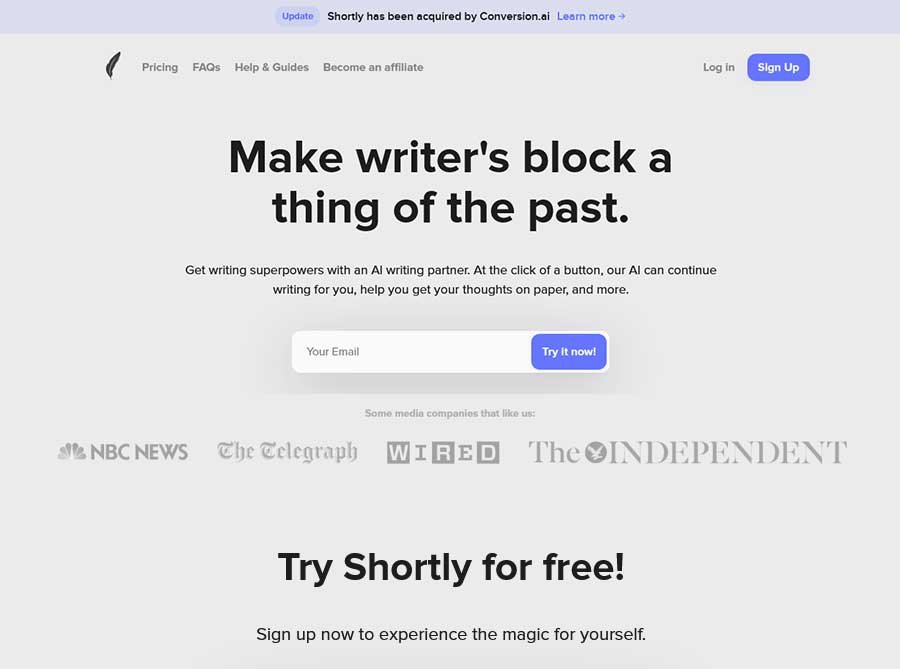
ShortlyAi AI Copywriting Tool is the world’s most excellent writer, helping you write 10x faster at the click of a button. You can continue writing in your voice, rewrite your sentences, help you develop your ideas, and more. The output generated by our AI is entirely original and passes all common plagiarism checkers. ShortlyAi has been acquired by Conversion.ai to grow as the biggest and best AI writing tool.
Ai Excel Bot Easily generate Excel or Google Sheets formulas with simple text prompts. Simple Pricing plan For all kinds of users.
Ai Excel Bot Features
- Generate Formulas: Generate Google Sheets or Excel formulas with simple ai text prompts.
- Understand Complex Formulas: Understand complex Excel or Google Sheets formulas easily.
- VBA Code Support: AI Excel Bot can write and explain VBA in seconds.
- Chrome Addon: Use the power of AI without leaving Google Sheets or Excel using Ai Excel Bot Chrome Extension.
Ai Excel Bot Pricing Plan
- Free: $0 Per Month Limited Access to AI Excel Bot and 5 Formula, VBA Code or Task generation and explanation per month
- Pro: $2.99 Per Month Full access to AI Excel Bot and unlimited Formula, VBA Code or Task generation and explanation per month
- Pro Annual: $24.99 Per Month Full access to AI Excel Bot and unlimited Formula, VBA Code or Task generation and explanation per month
Start Accessing the power of AI Excel Bot
What is Adobe Express AI Image Enhancer?
Adobe Express AI Image Enhancer is a browser-based photo editing platform that leverages Adobe Firefly generative AI to automatically improve image quality, remove backgrounds, add or remove objects, and apply intelligent enhancements—all with simple one-click tools and manual adjustment sliders for fine-tuning brightness, contrast, saturation, and more. Unlike complex desktop software like Photoshop that requires technical expertise and subscription fees, Adobe Express delivers professional AI-powered editing in a free, user-friendly interface optimized for quick edits, social media content, and creative projects without steep learning curves.
The platform serves diverse use cases including profile picture creation, product photography enhancement, social media post design, flyer and poster creation, album cover design, photo restoration (unblur, sharpen), background removal for e-commerce listings, object removal (photobombers, distractions), and creative object addition (props, backgrounds, details)—all supported by thousands of free templates, Adobe Stock images, fonts, icons, GIFs, and design assets for complete creative workflows from photo enhancement to final design output.
Key Features of Adobe Express AI Image Enhancer
- AI Auto Enhance: Automatically improve photo quality with one-click AI-powered enhancement that adjusts lighting, color, and clarity for instant improvements.
- AI Background Removal: Remove distracting or unwanted backgrounds in one click with AI that detects subjects automatically—perfect for profile pictures and product photography.
- AI Add Object: Use generative credits to seamlessly insert objects, props, backgrounds, or creative details into photos with AI-powered content generation.
- AI Remove Object: Remove distractions like photobombers, out-of-place objects, or unwanted elements from photos with intelligent AI content-aware filling.
- Crop Tool: Crop images to perfect composition, remove unwanted edges, and resize for different platforms and aspect ratios.
- Resize Tool: Change image dimensions for social media, print, web, or specific platform requirements without quality loss.
- Straighten Tool: Correct tilted or crooked photos with manual straightening adjustments for professional-looking compositions.
- Brightness Adjustment: Fine-tune image brightness with easy-to-use sliders to make details stand out and improve overall exposure.
- Contrast Adjustment: Adjust contrast levels to enhance depth, make subjects pop, and improve visual impact of photos.
- Saturation Adjustment: Control color saturation to make images more vibrant or create muted, artistic effects.
- Sharpen Tool: Reduce blur and sharpen details in out-of-focus or low-resolution images for clearer, crisper results.
- Photo Filters: Apply pre-made filters to give pictures unique styles, moods, and artistic effects with one-click application.
- Photo Effects: Add creative effects, overlays, and artistic treatments to transform photos with professional-looking enhancements.
- Add Text on Photo: Overlay text on images with customizable fonts, sizes, colors, and positioning for quotes, captions, and graphics.
- Blur Background: Apply background blur effects to create depth of field, focus attention on subjects, and achieve professional bokeh looks.
- Template Library: Access thousands of free templates for social posts, flyers, album covers, profile photos, and unlimited other designs.
- Adobe Stock Integration: Browse and use thousands of free Adobe Stock images directly within Adobe Express for projects and enhancements.
- Design Assets: Add pre-loaded fonts, icons, GIFs, and design elements to personalize and elevate your enhanced images.
How to Use Adobe Express AI Image Enhancer
- Visit the Platform: Navigate to adobe.com/express/feature/image/enhance through your web browser on desktop or mobile—no software download required for web version.
- Upload Your Photo: Drag and drop an image from your device or click browse to upload the photo you want to enhance.
- Browse Adobe Stock (Optional): Explore thousands of free Adobe Stock images within Adobe Express to find the perfect photo for your project instead of uploading.
- Auto Enhance: Use the AI auto-enhance feature for instant one-click improvements to lighting, colour, and overall image quality.
- Remove Background: Click the background removal tool to automatically detect and remove backgrounds with AI—ideal for profile pictures and product shots.
- Add or Remove Objects: Use generative credits to add objects (props, backgrounds, details) or remove distractions (photobombers, unwanted elements) with AI-powered editing.
- Manual Adjustments: Fine-tune brightness, contrast, saturation, and other settings with easy-to-use sliders for precise control over image appearance.
- Crop and Resize: Crop images for perfect composition and resize for different platforms (Instagram, Facebook, print, web) without quality loss.
- Apply Filters and Effects: Add creative filters and effects to give your pictures unique styles, moods, and artistic treatments.
- Add Text and Graphics: Overlay text, fonts, icons, and design assets to create complete graphics, quotes, captions, and personalized designs.
- Use Templates: Start from thousands of free templates for social posts, flyers, album covers, and profile photos to accelerate your design workflow.
- Download and Share: Instantly download your enhanced photo to share with friends, family, and followers, or continue editing with additional tools and effects.
Use Cases for Adobe Express AI Image Enhancer
- Social Media Managers: Create eye-catching posts, stories, and profile pictures with background removal, filters, text overlays, and templates optimized for Instagram, Facebook, TikTok, and LinkedIn.
- Small Business Owners: Design marketing materials, product photos, flyers, posters, and promotional graphics with professional AI enhancements and thousands of business templates.
- Content Creators & Influencers: Produce engaging thumbnails, social content, album covers, and branded graphics with AI editing, effects, and customizable design assets.
- Students & Educators: Create presentations, project visuals, posters, and educational materials with easy-to-use editing tools, templates, and design assets for academic work.
- E-Commerce Sellers: Remove backgrounds from product photos, enhance image quality, and create professional product listings for Amazon, Shopify, Etsy, and online stores.
- Photographers: Quickly enhance portraits, remove distractions, adjust lighting and color, and prepare photos for client delivery or social sharing with professional AI tools.
- Event Planners: Design invitations, flyers, posters, and promotional materials for events, parties, weddings, and gatherings with customizable templates and AI enhancements.
- Nonprofit & Community Organizations: Create awareness campaigns, event promotions, social media content, and fundraising materials with free templates and professional editing tools.
- Bloggers & Writers: Enhance blog post images, create featured graphics, design quote images, and produce visual content for websites and articles with AI-powered editing.
- Personal Projects: Improve family photos, create personalized gifts, design social media posts, and experiment with creative effects for fun and personal expression.
- Restoration Projects: Unblur old or low-resolution photos, sharpen details, reduce noise, and restore image quality for family memories and heritage preservation.
- Marketing Agencies: Produce client deliverables, ad creatives, social content, and promotional materials at scale with templates, quick actions, and AI-powered efficiency.
FAQs About Adobe Express AI Image Enhancer
1. What does "AI-enhanced image" mean?
Enhancing an image with AI means using smart tools to improve its appearance, including auto-adjustments, background removal, object addition/removal, and sharpening details for better clarity and quality.
2. What makes Adobe Express effective for photo editing?
Adobe Express provides quick tools for cropping, resizing, contrast adjustments, filters, and AI features powered by Firefly, enabling fast edits without experience.
3. Can I use Adobe Express to enhance images on my phone?
Yes. The free Adobe Express mobile app for iOS and Android supports AI enhancement, sharpening, and other tools directly on your device.
4. How can I unblur an image in Adobe Express?
Open the Adjustments menu and use the Sharpen tool to reduce blur in out-of-focus or low-resolution images with simple slider controls.
5. Is Adobe Express free? What’s included?
Yes. The free plan includes quick actions, templates, photo editing, effects, and limited generative AI credits; the premium adds more credits and assets.
6. What file types and sizes are supported?
Upload JPEG, JPG, PNG, or WebP files under 40MB; no credit card needed for basic use, though some AI features require generative credits.
7. Do advanced AI features like object removal cost extra?
Yes. Generative tools (add/remove objects, backgrounds) use Firefly credits included with free/premium plans, with the option to purchase more.
8. Can I access Adobe Stock images for enhancement?
Yes. Browse thousands of free Adobe Stock photos within Express to select, enhance, and use in projects alongside your uploads.
Some Other Adobe Ai Tools
- Adobe Firefly allows users to generate great image content.
- Adobe Speech Enhancer improve the audio quality of recorded speech.
- Adobe Podcast AI is a free AI podcast tool that allows users to record, edit, and enhance high-quality podcasts and voiceovers.