208
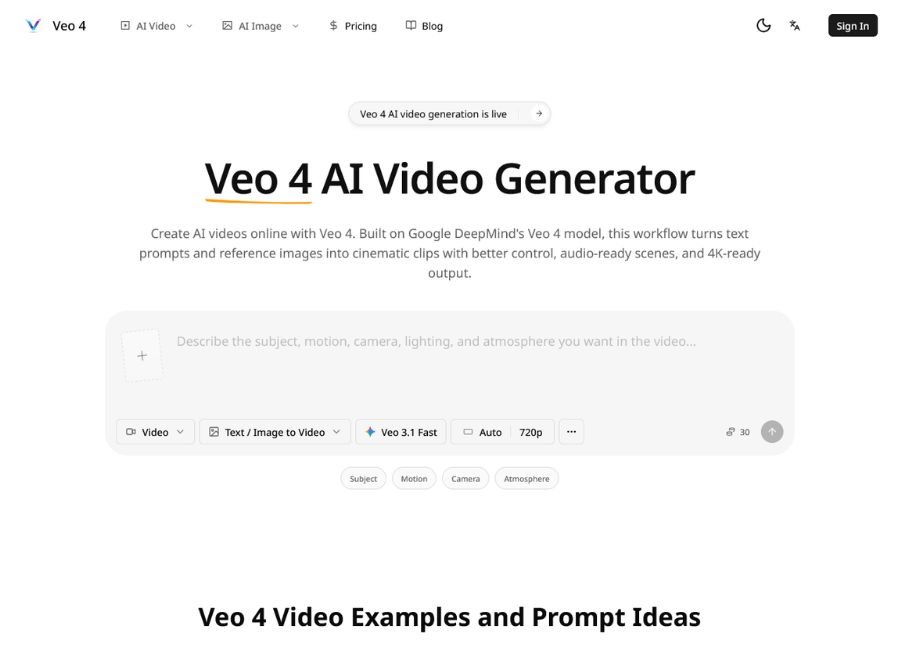
Veo4.im is a browser-based AI video generator aligned with Google DeepMind’s Veo family, designed for text-to-video and image-to-video generation with premium cinematic quality. Its focus is on clean motion, stable subjects, accurate lighting, and tighter adherence to instruction, so short clips look more “finished” and production-ready.
The platform also emphasizes audio-aware generation, meaning scenes can include synchronized dialogue, ambiance, music, and sound effects, rather than just silent clips. For creators who need fast iteration, Veo4.im aims to reduce the friction between idea, prompt, and usable video output.
Key Features of Veo4.im
- Text-to-video generation: Create cinematic clips directly from prompts, with strong adherence to camera, mood, motion, and scene direction.
- Image-to-video workflows: Upload a still image or frame and convert it into motion while preserving subject identity and composition.
- Native audio support: Generate videos with synchronized audio, including dialogue, ambiance, and effects.
- 4K-ready visual output: Built for premium fidelity, stable subjects, and high-detail results suitable for ads and social content.
- Better prompt control: Supports tighter instruction execution, frame guidance, and multi-reference direction for precise creative control.
- Cinematic camera behaviour: Prompts can guide zooms, tracking shots, transitions, and other film-like camera moves.
- Multi-shot storytelling: Designed for short scene sequences rather than just one-off visual clips.
- Extend and modify scenes: Veo’s broader model family supports extending videos and object insertion/removal, which aligns with Veo4.im’s production focus.
Use Cases of Veo4.im
- Marketing and ads: Create premium product demos, launch clips, and social ads that look polished and high-end. Test different hooks and visuals quickly for campaign experimentation.
- Social content: Make short-form videos for TikTok, Reels, and Shorts with cinematic motion and audio. Turn static concepts into attention-grabbing posts.
- Product storytelling: Show a product in context with lighting, motion, and camera direction that feels like a real ad shoot.
- Explainers and education: Turn scripts into visual sequences for training clips, lessons, and simplified explainers.
- Creative prototyping: Explore multiple visual directions before committing to a final edit or production budget.