1K
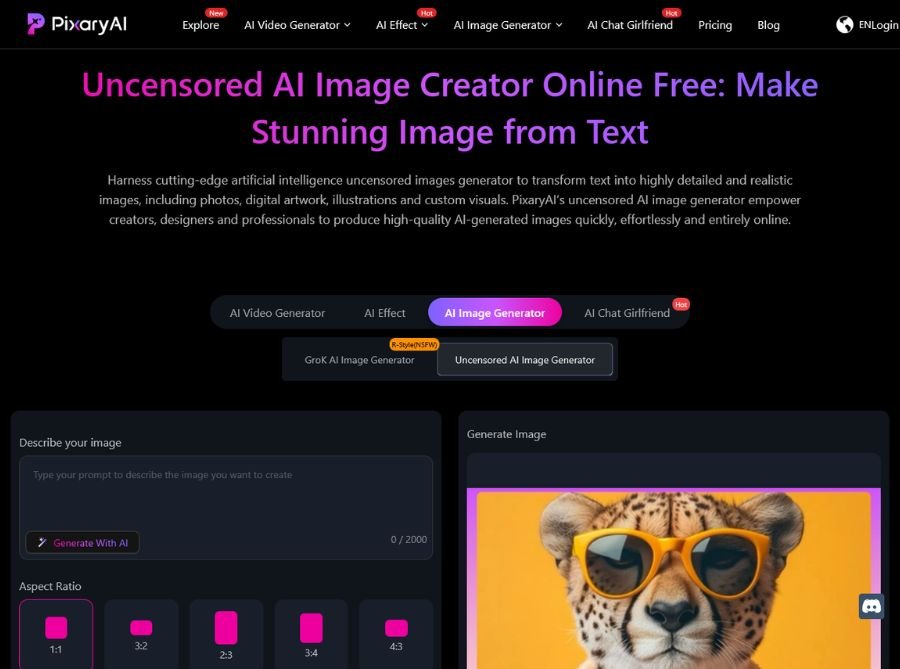
PixaryAI offers an AI image generation workflow that turns short text prompts into polished images and also lets you transform or remix existing images into new styles. The platform highlights controllability, frame consistency, lighting accuracy, and expressive results, making it suitable for production-like creative work rather than random one-off outputs.
Because PixaryAI sits inside a broader content suite, the image generator can also connect with video and effect workflows, giving users a more unified creative pipeline.
Key Features of PixaryAI
- Text-to-Image Generation: Generate images directly from natural-language prompts for product art, social media, posters, and concept visuals.
- Image-to-Image Editing: Use a reference image to create a new version with a different style, mood, or composition while keeping useful visual structure.
- High-Fidelity Output: The platform emphasizes detailed results with better lighting accuracy, frame consistency, and expressive faces or subjects.
- Uncensored Creative Workflow: PixaryAI markets itself as an uncensored creator tool, aiming to give users broader prompt flexibility than many restrictive image platforms.
- Open-Source-Style Reliability: The product description says it is built on open-source video/image foundations, which is presented as a benefit for predictable outputs and reproducible behavior.
- Fast Browser-Based Creation: It runs online, so users can generate images without installing desktop software or needing high-end hardware.
Use Cases of PixaryAI
- Social Media Content: Create eye-catching thumbnails, banners, and post graphics quickly. Produce stylized visuals for Instagram, TikTok, and YouTube without hiring a designer.
- Marketing and Ads: Turn product ideas into ad creatives and campaign visuals. Generate multiple visual concepts for A/B testing.
- Concept Art and Character Design: Build stylized characters, scenes, and moodboards for stories or games. Use image-to-image to refine a concept into a more finished look.
- Product and Brand Mockups: Create polished mockups for landing pages, product showcases, and promotional assets.
- Creative Experimentation: Explore different visual directions quickly using prompt variations and reference images.